Manage artists on your label (sub-accounts)
If you run a label account, you can bring artists under your label as sub-accounts. Each artist keeps their own login and builds their own releases, and every release they submit comes to you for review before it reaches our team.
How sub-accounts work
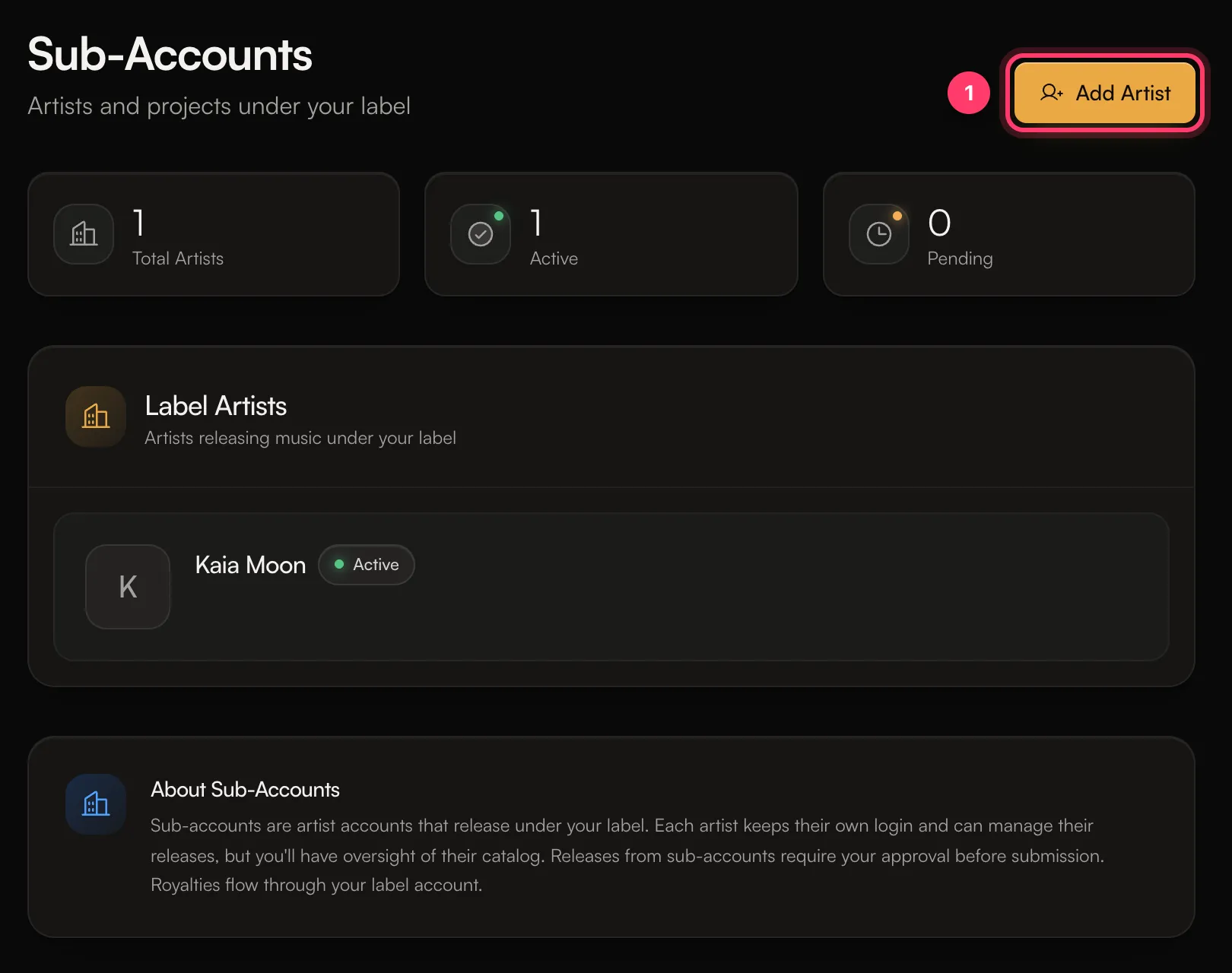
The Sub-Accounts page sums it up: "Sub-accounts are artist accounts that release under your label. Each artist keeps their own login and can manage their releases, but you'll have oversight of their catalog. Releases from sub-accounts require your approval before submission. Royalties flow through your label account."
Add an artist to your label
You need the Admin role on the label account.
- Go to Settings and open Sub-Accounts.
- Click Add Artist.
- Enter the Artist Email. Optionally add an Artist/Project Name.
- Click Send Invitation.
The artist gets an email to accept. Until they do, they're counted as Pending on the page. Once they accept, they show as Active.
Review an artist's release (Label Review)
When a sub-account artist clicks Submit for review, the release goes to Label Review first. The artist sees "Waiting for your label to review this release."
To review it:
- Open the release. Its status shows Label Review.
- Click Review & Edit. The release opens in Label Review Mode, which says who submitted it.
- Check everything, and fix anything that needs it. You can edit any metadata and add or remove tracks.
- Click Review & Approve, check the summary, and confirm.
You'll see "Release approved and forwarded for admin review!" The release then moves to In Review with our team, the same as any other release. The usual review checks still apply.
Open an artist's account
On Sub-Accounts, use the menu next to an artist and choose View Account to switch into their account. Use the account card at the top of the sidebar to switch back.
Remove an artist from your label
- On Sub-Accounts, open the menu next to the artist.
- Choose Remove from label and confirm.
The artist keeps their own account, but their releases will need to be transferred. Contact support before you remove an artist with live releases so we can sort out where those releases and their royalties should sit.
Common questions
Can I add someone who already has an AMM Distro account?
Yes. Use the email they sign in with. They accept the invitation from the email we send.
Where do the artist's royalties go?
Royalties from sub-account releases flow through your label account. How they're shared with the artist is set by your agreement with them. If you're not sure how a release is set up, contact support.
What's the difference between a sub-account and a team member?
A team member works inside your label's account. A sub-account is the artist's own account, with its own releases, under your label.
Related: Add team members and choose their role · Switch between accounts · Manage your artist profiles · Split royalties with collaborators
Updated on: 23/10/2026
Thank you!