Link in bio
Link in bio gives you a page of links at anthm.link/@yourhandle to put in your Instagram, TikTok and other profile bios. You can add links, your releases, a player, an email signup, a countdown and your drops, and see how many people visit and what they tap. Make one page per artist.
Open Link in bio under Audience in the left menu. It's available on every ANTHM account.
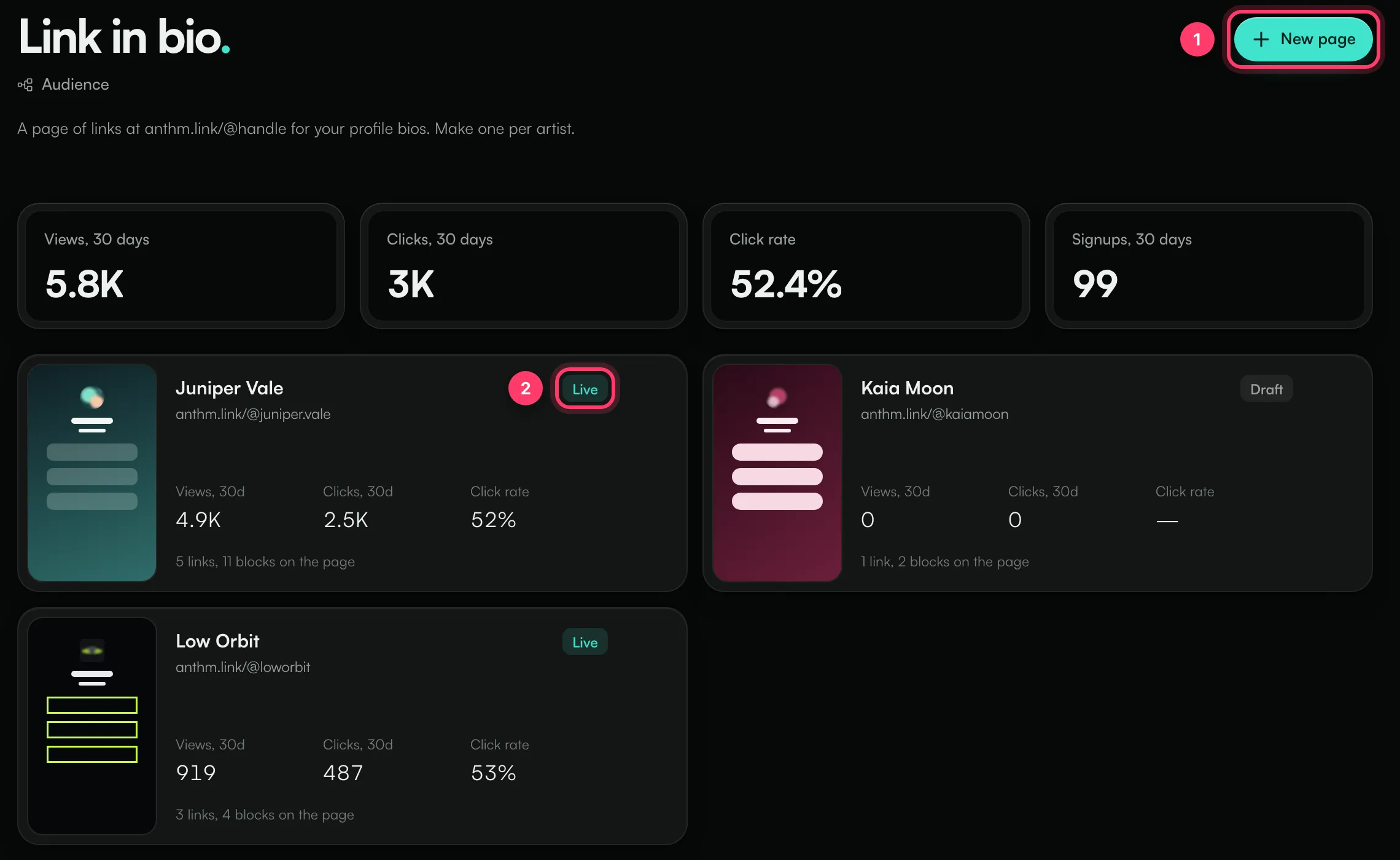
The numbers at the top cover all your pages for the last 30 days: Views, Clicks, Click rate and Signups. Each page shows Live or Draft.
Create a page
- Click New page (or Create your first page if you don't have one yet).
- Enter a Handle. This is the address: anthm.link/@handle. Use 3–30 characters: lowercase letters, numbers,
_and.. The field shows Available when the handle is free. - Enter a Page title, usually the artist name.
- Click Create page.
The new page starts as a draft with one empty link. Nobody can see it until you publish it.
If the handle doesn't work, you'll see why, for example "That handle is taken." or "Start and end with a letter or number."
Build the page
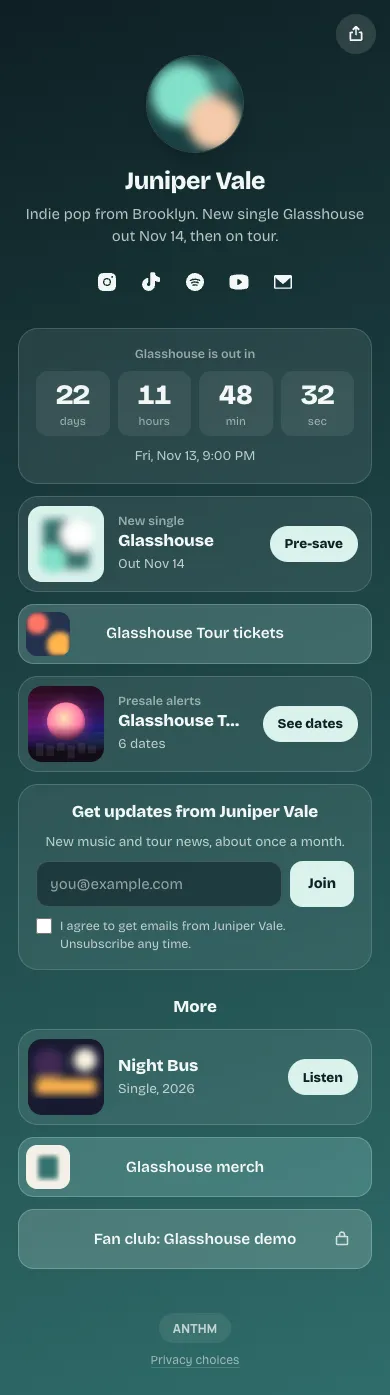
The editor has four tabs, and your changes save automatically. The phone on the right shows a live preview.

- Links, Design, Settings and Analytics tabs.
- The Live switch publishes the page or takes it back to Draft.
- Share gives you the link and a QR code.
Profile
On the Links tab, add a photo, a Title and a Bio (up to 300 characters). Under Social profiles, click Add a profile to add icons for Instagram, TikTok, YouTube, Spotify, Apple Music, SoundCloud, X, Threads, Facebook, Twitch, Discord, Bandcamp, Snapchat, a website or an email address. Drag the rows to change their order.
Blocks
Click Add and choose a block. New blocks go to the top of the page; drag them to reorder.
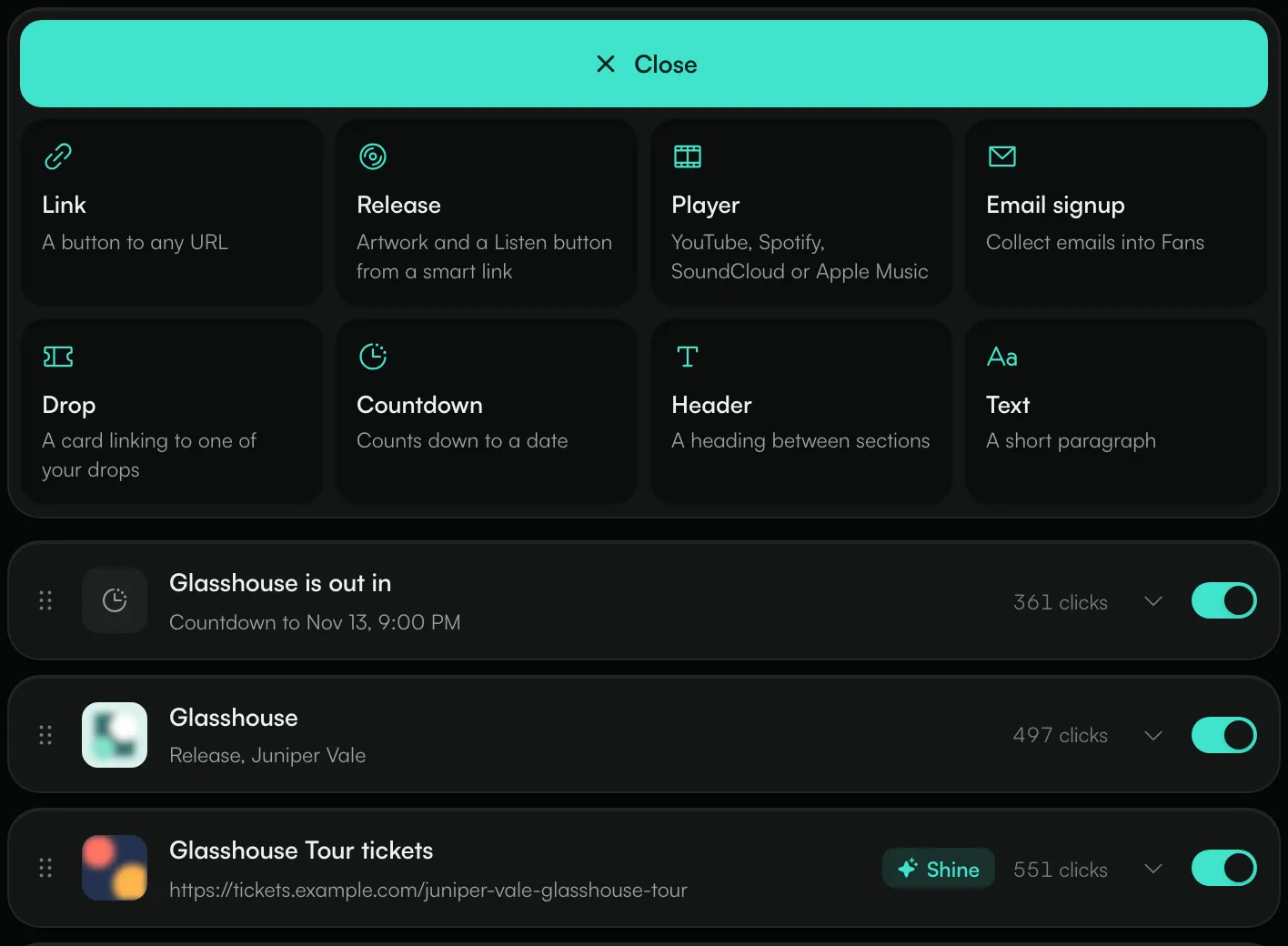
Block | What it does |
|---|---|
Link | A button to any web address. |
Release | Your release's artwork with a Listen button, or Pre-save before release day. It uses one of your published smart links. |
Player | Plays a YouTube video, a Spotify track, album or playlist, a SoundCloud track or set, or an Apple Music album, song or playlist on the page. |
Email signup | Collects fans' email addresses into Fans. |
Drop | A card that links to one of your live drops. |
Countdown | Counts down to a date, with an optional link and text for when it reaches zero. |
Header | A heading between sections. |
Text | A short paragraph. |
Every block has a switch to show or hide it, plus Duplicate and Delete. Deleting a block doesn't ask for confirmation.
Link options
Open a link block to set:
- Highlight: Pulse or Shine adds a motion effect to draw the eye.
- Schedule: show the link only between two times (Show from and Hide after). Outside that window, fans don't see it.
- Lock: ask for an Access code before the link opens, or ask fans to confirm their age (16+, 18+ or 21+). Codes aren't case-sensitive.
Email signup
Set the heading, a short note, the button label and an optional Tag in Fans so you can find these fans later. Turn on Ask for a name to add a name field. Fans must tick a box agreeing to get emails from you before they can sign up. Everyone who signs up appears in Fans.
Design
On the Design tab, start from a theme (Glasshouse, Night bus, Paper, Riso, Low orbit, Velvet, Cover blur or Studio), then change:
- Background: Colour, Gradient, Image or Blurred photo (your profile photo, blurred), with an optional Darken setting for images.
- Buttons: Fill, Outline, Soft or Hard shadow, the corner shape, and the button and text colours.
- Text and profile: the font, the text colour and the profile photo shape.
If your colours are hard to read, the editor warns you and suggests a lighter or darker shade.
Settings
- Address: click Change handle to move the page. Links to the old address stop working, including printed QR codes.
- Search and sharing: the title, description and image shown in search results and link previews. A share image of 1200 × 630 works best.
- Content warning: turn on Ask visitors to confirm they're 18 or older to show a notice before the page opens. It also keeps the page out of search results.
- Copy this page: makes a copy with the same links and design under a new handle. The copy starts unpublished with no analytics.
- Delete this page: the address stops working and its analytics are deleted. Fans who signed up stay in Fans.
Publish and share
Switch Live on, then click Share.
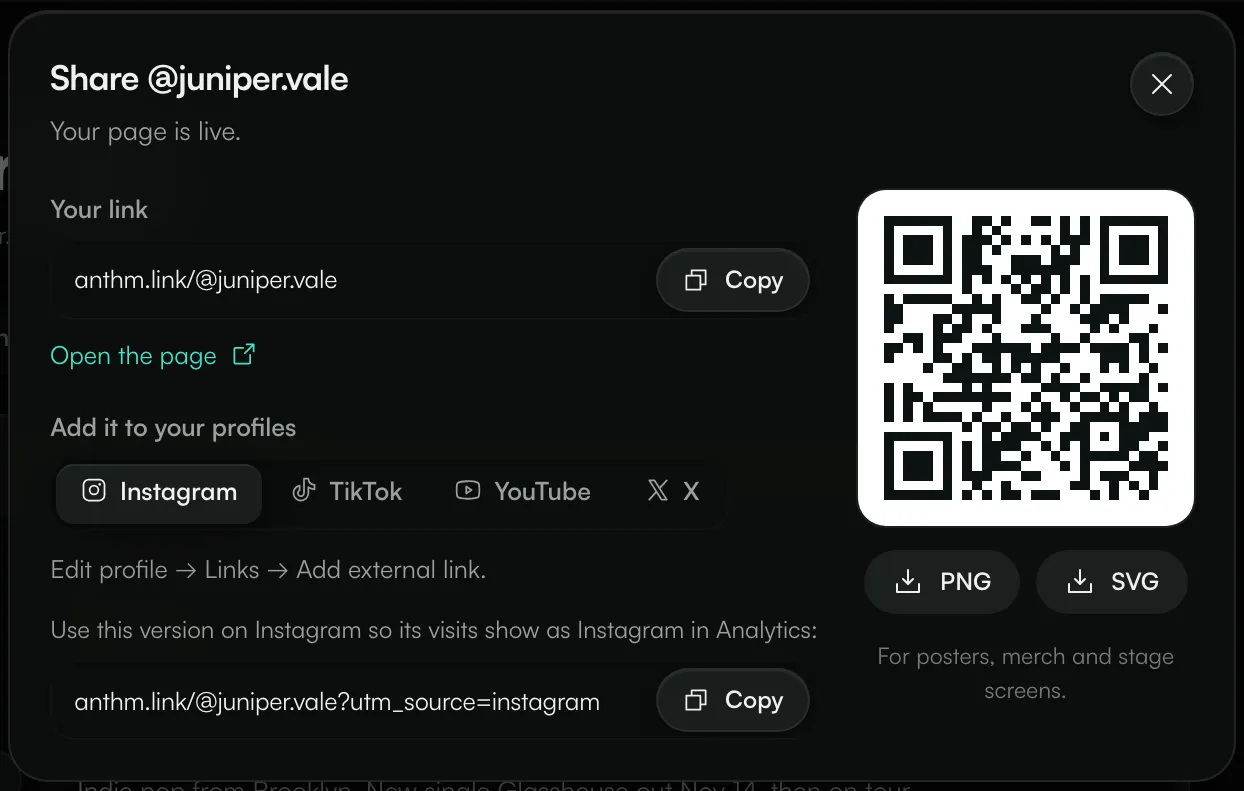
- Your link: click Copy.
- Add it to your profiles: pick Instagram, TikTok, YouTube or X to see where the link goes in that app. Use the tagged version of the link on each platform so visits from there show under that platform in Analytics.
- QR code: download it as PNG or SVG for posters, merch and stage screens.
Analytics
The Analytics tab shows Views, Unique visitors, Clicks and Click rate for the last 7 days, 30 days, 90 days or year, with a daily chart. Below that:
- Links: clicks and click rate for each block and social icon.
- Signups and unlocks: email signups, signup rate, fans from this page and how many locked links were opened.
- Sources, Countries, Cities and Devices: where visitors came from. Cities only appear for visitors who allow analytics.
Common questions
My page says it's not found.
The page is still a draft. Switch Live on in the editor.
A Player block doesn't show on my page.
Some links can't be played on the page, for example a YouTube channel page. Use a link to a single video, track, album or playlist.
A Release or Drop block disappeared.
A Release block needs a published smart link, and a Drop block needs a live drop. If the smart link is unpublished or the drop is closed, the block isn't shown.
Can I have more than one page?
Yes. Make one page per artist from New page.
Need help?
Send us a message from the chat on this page, or email team@ammdistro.com.
Related: Drops: collect fans for a release, show or tour · Fans: your fan list · Smart links and pre-saves · Email your fans
Updated on: 23/10/2026
Thank you!